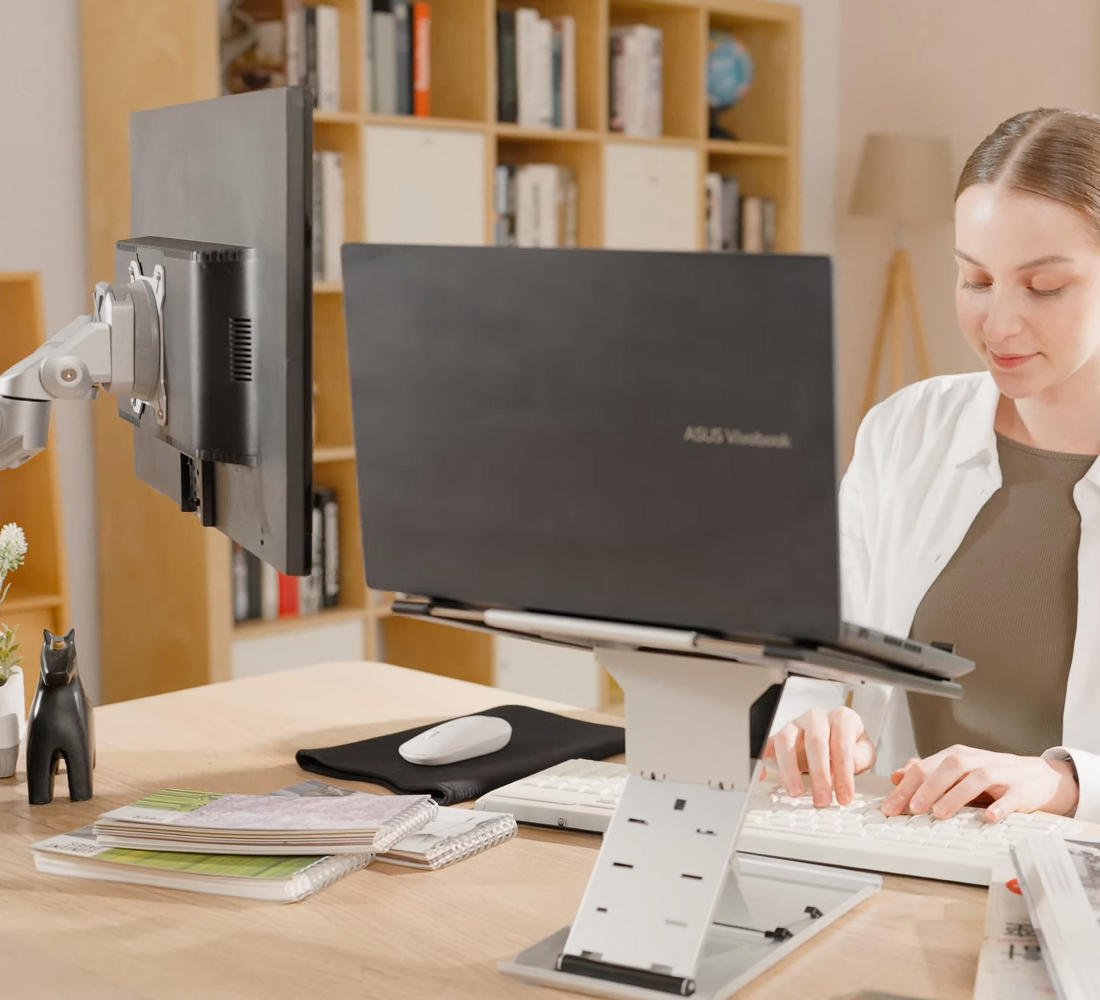

Do you often find yourself hunching over because your screen is too low?
Sitting at your computer every day, always looking down, your neck and shoulders become increasingly tense. Over time, even your back starts to ache. Your posture is forced to bend, not only affecting your appearance but also impacting your focus and work performance.
Is your desk cluttered with monitor stands and messy cables?
Your desk is filled with monitor bases, laptop stands, and cables, leaving no room for documents and mouse. Power cords and HDMI cables are tangled together. Looking at the messy desk every day makes you feel frustrated, and it becomes difficult to focus on work.
Dual monitors that cannot be properly aligned, affecting visual comfort and reducing efficiency?
Screens at different heights with varying angles make your eyes strain every time you move the mouse or switch windows. Staring at misaligned screens for long periods not only causes visual fatigue but also interrupts workflow and reduces efficiency.
Eyes feel dry and tired after staring at the screen for a long time?
Incorrect screen angles and glaring light reflections make it easy to develop high eye pressure and dizziness, making it increasingly difficult to maintain focus.
Too much height difference between your monitor and laptop?
External monitors connected to laptops never seem to align properly. Switching your gaze up and down strains your neck, and prolonged poor posture leads to soreness.
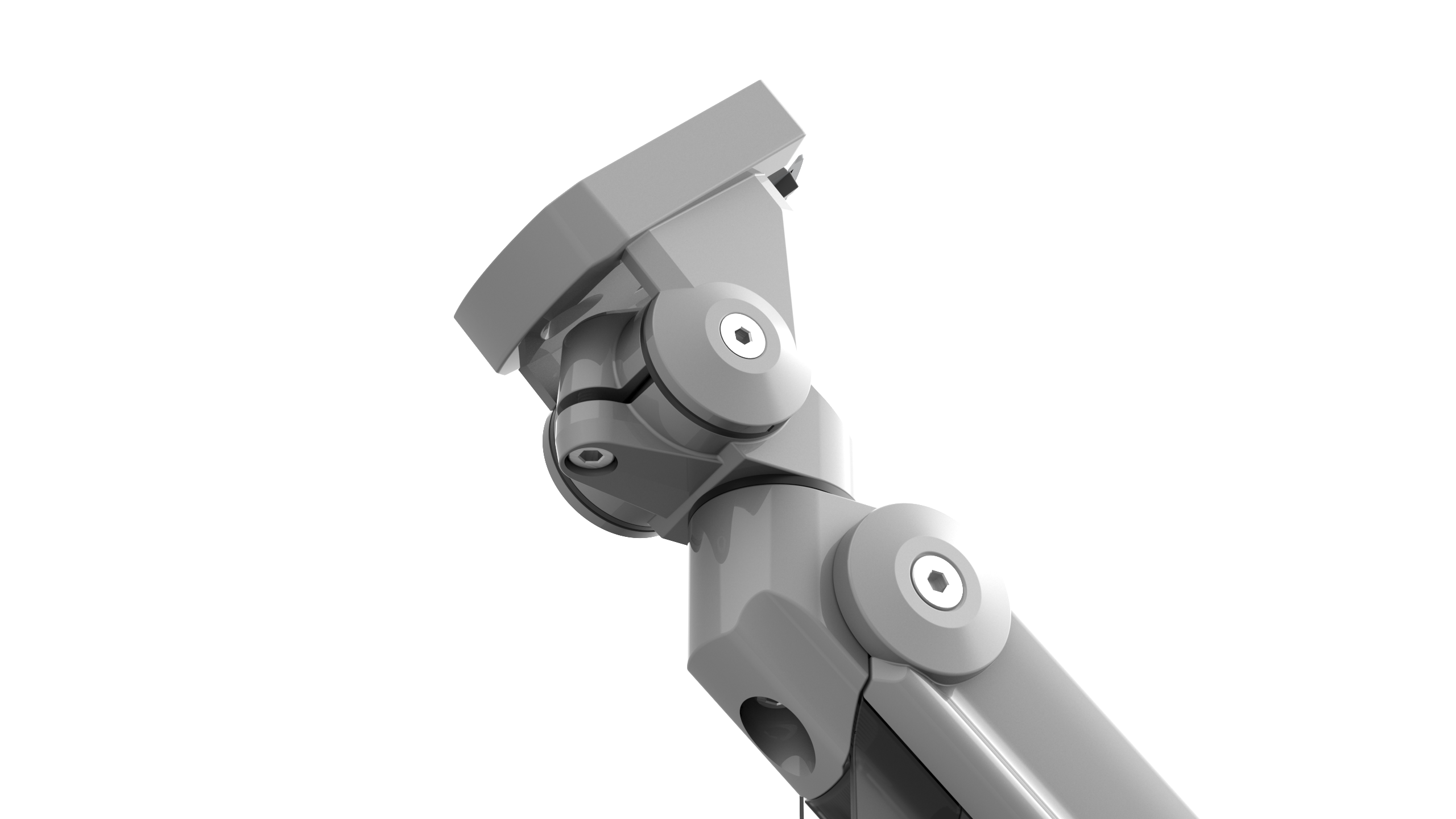
Every time you need to rewire or move the monitor, it is troublesome?
Changing positions or organizing your desk means reassembling everything, with cables pulling and stands getting in the way, making you never want to move anything again.

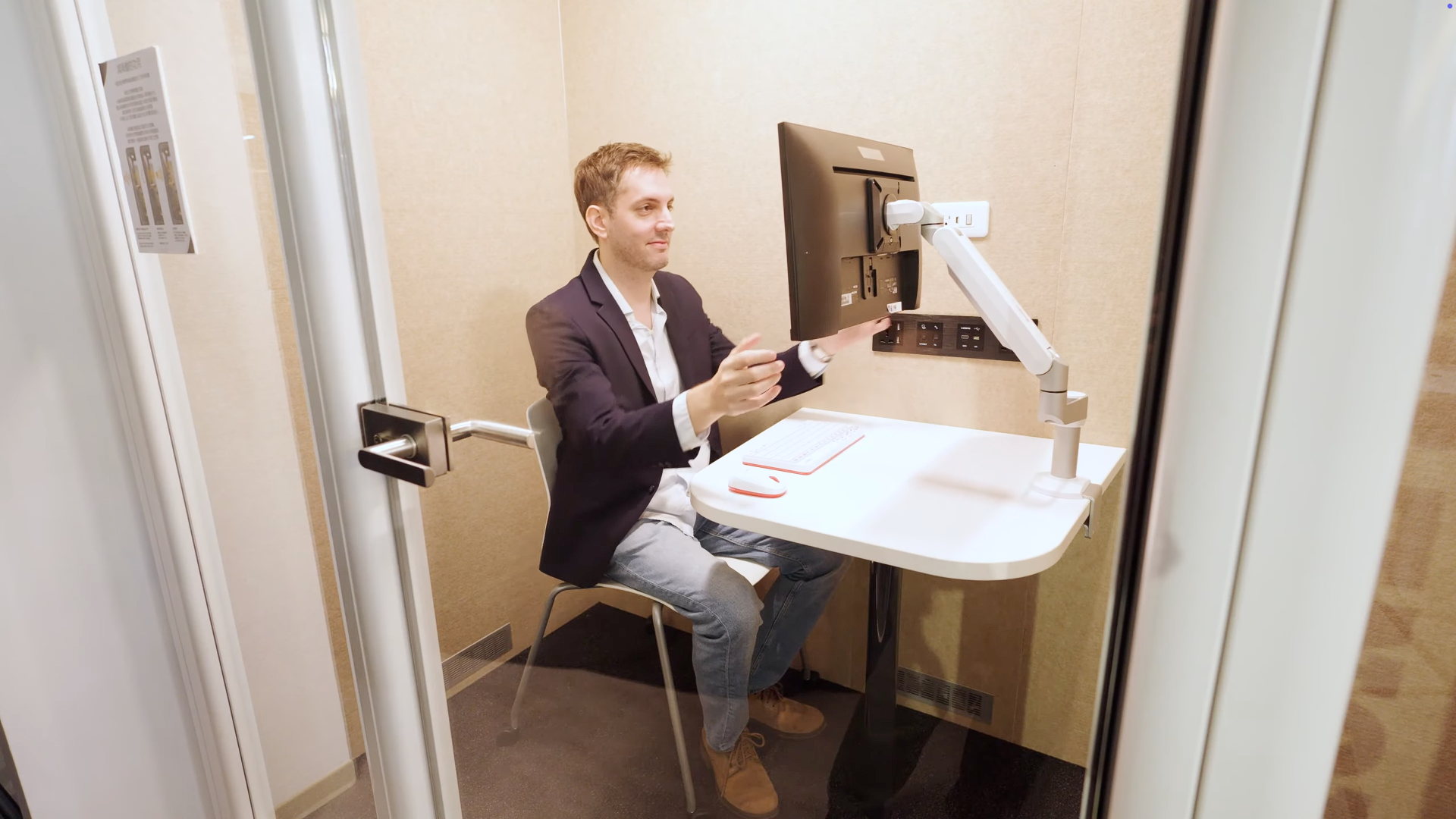
Long hours of office work and creative tasks should not be hindered by uncomfortable postures and cluttered environments. A good monitor arm can restore order and rhythm to your workspace—from the height of your viewing angle, the tidiness of your desk, to the perfect alignment of dual monitors, every detail is designed to help you focus and feel more comfortable.
Have questions about monitor arms? Here are answers to common questions. If you can't find what you're looking for, feel free to contact our friendly customer service team.